|
London UK
Experience: Beginner
Platform: CQG
Broker: S5
Trading: Futures
Posts: 6,323 since Sep 2015
Thanks Given: 16,012
Thanks Received: 16,237
|
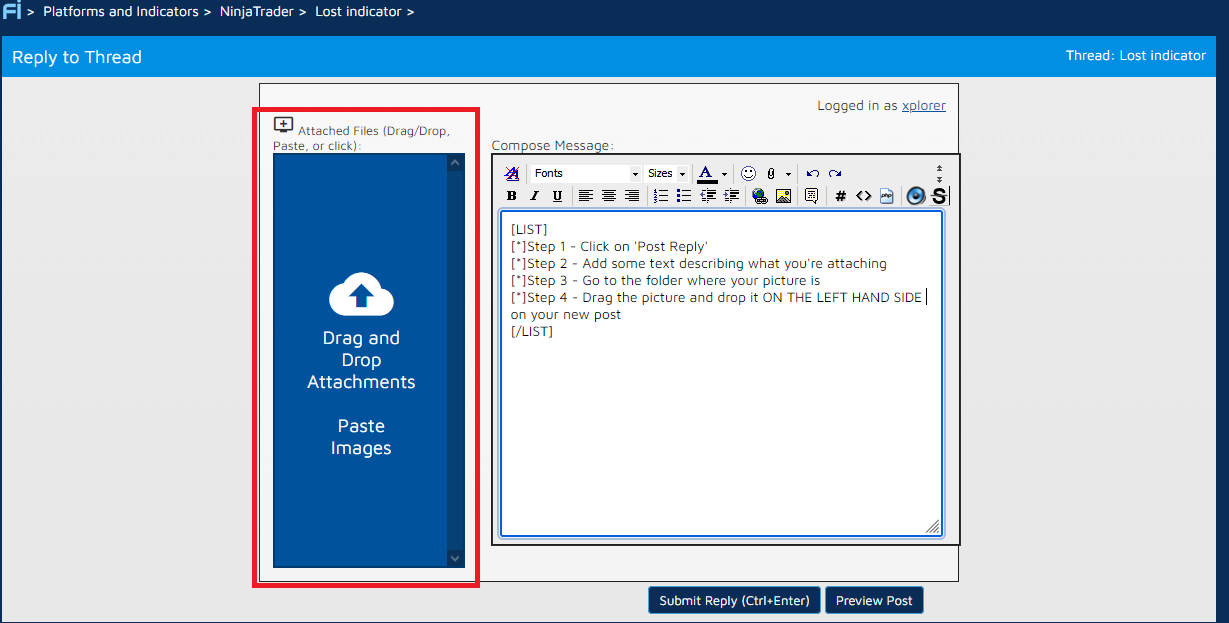
- Step 1 - Click on 'Post Reply'
- Step 2 - Add some text describing what you're attaching
- Step 3 - Go to the folder where your picture is
- Step 4 - Drag the picture and drop it on the left hand side of your new post
Picture attached for reference.
|