Dark Theme
Light Theme
Welcome to NexusFi: the best trading community on the planet, with over 200,000 members Sign Up Now for Free
Genuine reviews from real traders, not fake reviews from stealth vendors
Quality education from leading professional traders
We are a friendly, helpful, and positive community
We do not tolerate rude behavior, trolling, or vendors advertising in posts
We are here to help, just let us know what you need
You'll need to
register in order to view the content of the threads and start contributing to our community.
It's free for basic access, or support us by becoming an Elite Member -- discounts are available after registering.
-- The NexusFi team
(If you already have an account, login at the top of the page)
Updated July 8, 2025
trending_up
864 views
thumb_up
2 thanks given
group
2 followers
forum
3 posts
attach_file
2 attachments
July 4th, 2025, 08:19 AM
Saint Louis, Mo., USA
Experience: Advanced
Platform: NinjaTrader, Tradestation
Broker: Amp/CQG, Velocity/TT, Kinetick, TS
Trading: Anything That Moves..
Frequency: Daily
Duration: Minutes
Posts: 221 since Aug 2010
Thanks Given: 100
Thanks Received: 409
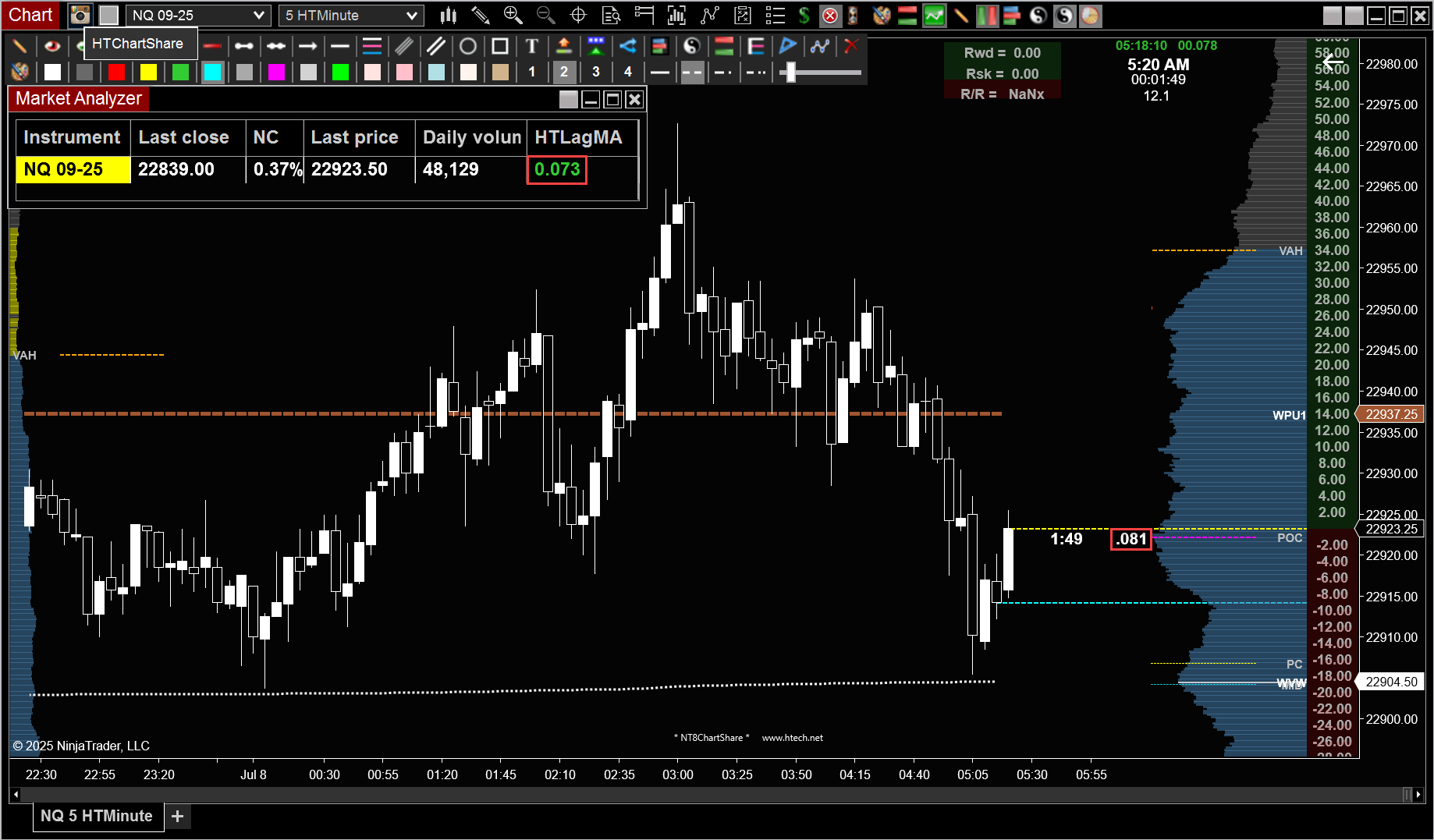
Here is a simple Lag Timer for Market Analyzer.https://discourse.ninjatrader.com/forum/ninjatrader-8/platform-technical-support-aa/1333249-market-analyzer-error-8-0-28-0
Attached Files
Elite Membership required to download: HTLagMA.zip
Can you help answer these questions
Best Threads (Most Thanked)
July 4th, 2025, 08:46 AM
Saint Louis, Mo., USA
Experience: Advanced
Platform: NinjaTrader, Tradestation
Broker: Amp/CQG, Velocity/TT, Kinetick, TS
Trading: Anything That Moves..
Frequency: Daily
Duration: Minutes
Posts: 221 since Aug 2010
Thanks Given: 100
Thanks Received: 409
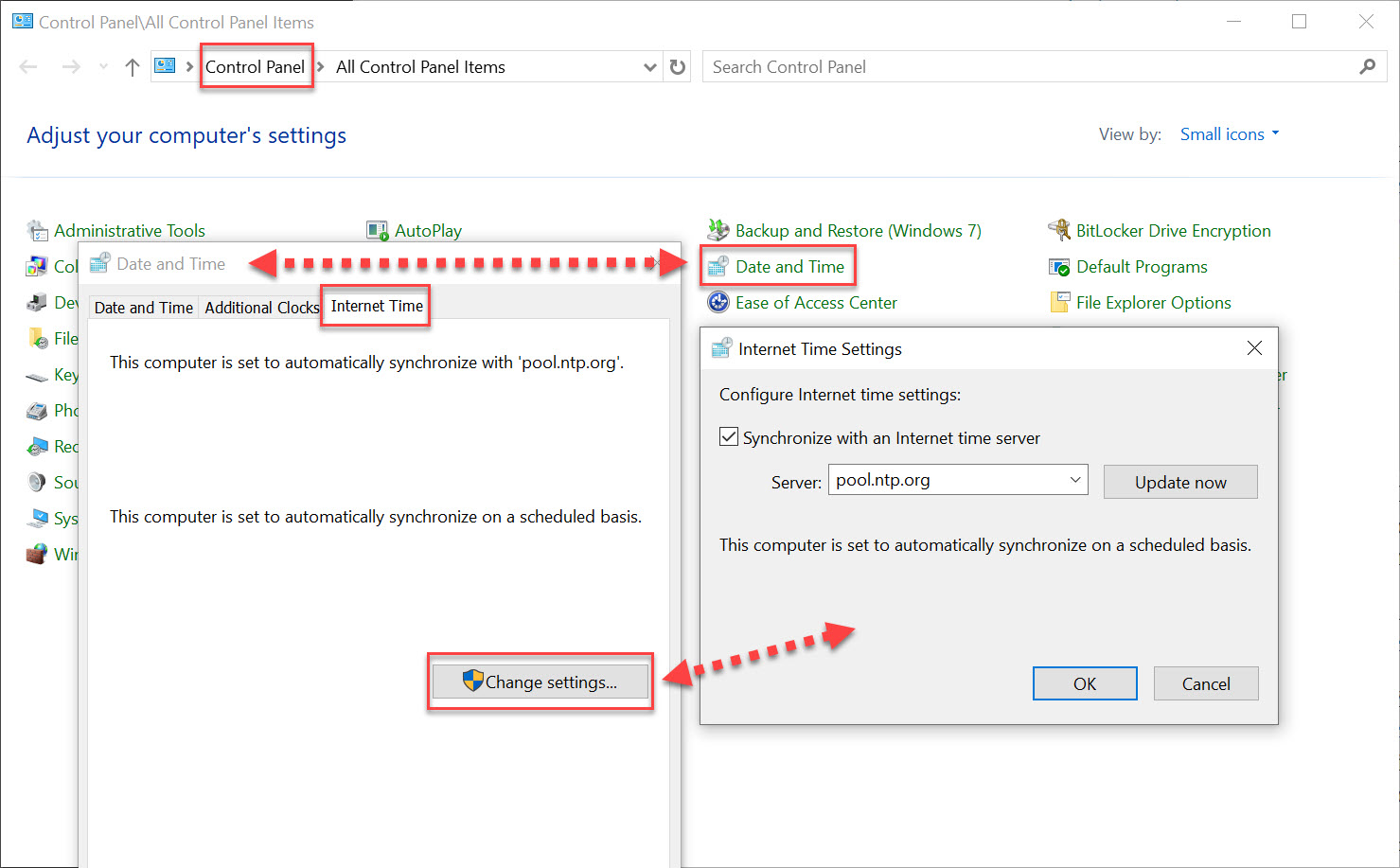
Just a suggestion, but I'd sync to the same time server that CME uses.https://cmegroupclientsite.atlassian.net/wiki/spaces/EPICSANDBOX/pages/457217083/Network+Time+Protocol https://www.ntppool.org/zone/us
July 6th, 2025, 07:57 PM
Orange County, CA, USA
Experience: Intermediate
Platform: NinjaTrader, Fidelity ATP
Trading: ES/NQ/RTY, Equity ETFs, Options
Posts: 66 since Sep 2018
Thanks Given: 45
Thanks Received: 53
If you're looking for one that prints on the chart window, there's a free one available here.https://trinitastrading.com/mgi
July 8th, 2025, 07:15 AM
Saint Louis, Mo., USA
Experience: Advanced
Platform: NinjaTrader, Tradestation
Broker: Amp/CQG, Velocity/TT, Kinetick, TS
Trading: Anything That Moves..
Frequency: Daily
Duration: Minutes
Posts: 221 since Aug 2010
Thanks Given: 100
Thanks Received: 409
Attached Files
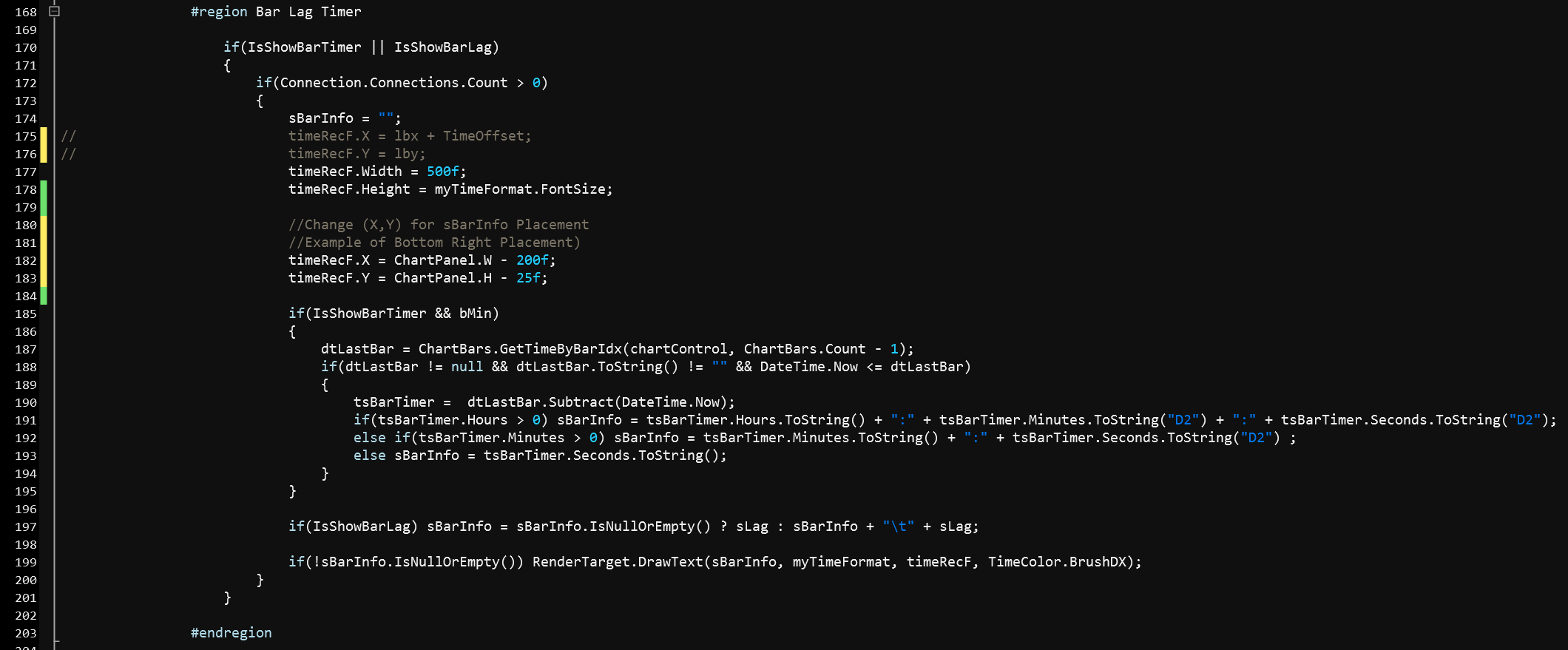
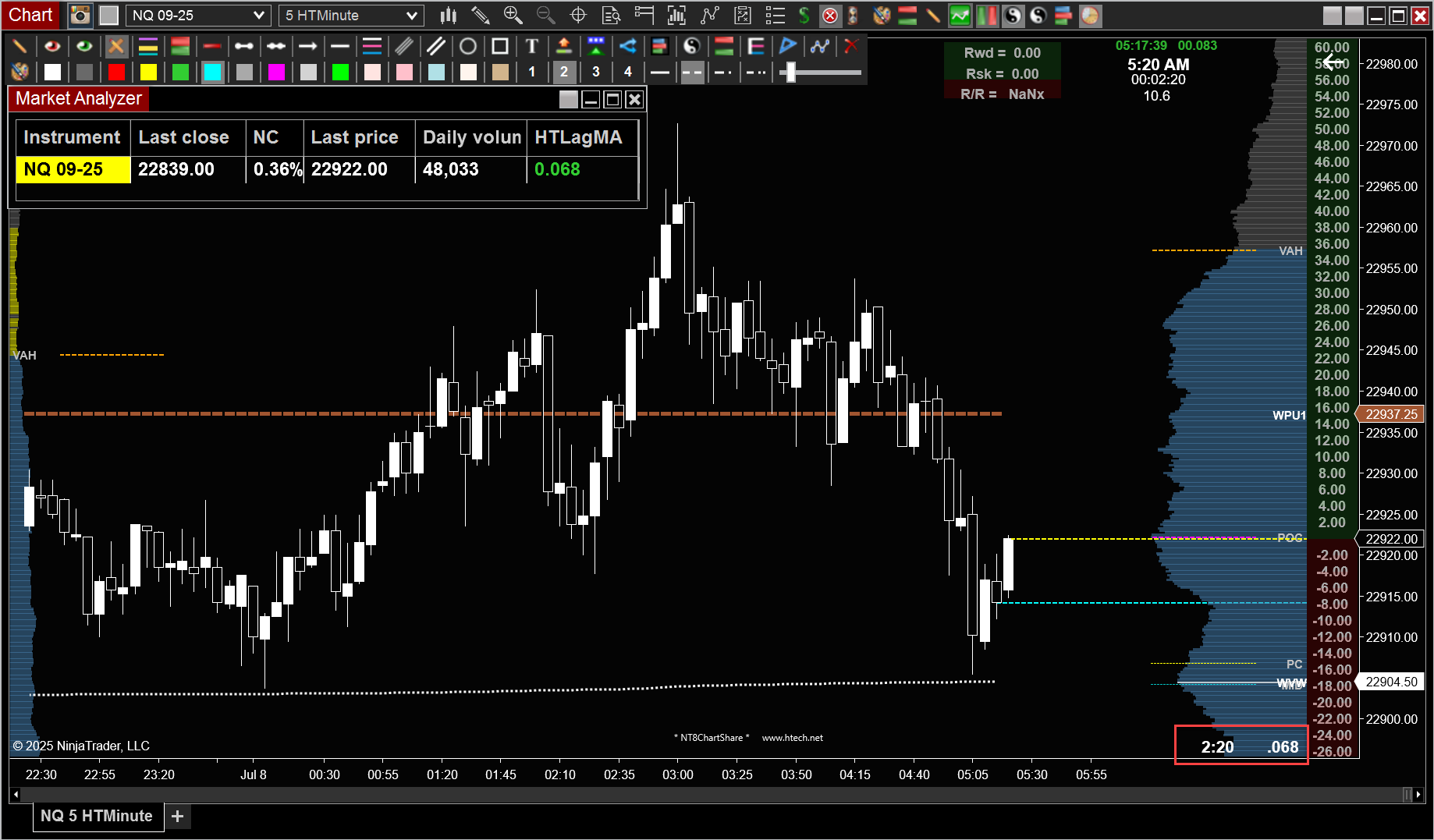
Elite Membership required to download: HTPLwBLTimer.zip
Last Updated on July 8, 2025